How a fillable vehicle inspection form works
Here is how a fillable vehicle inspection form from Inspection Card works: what arrives after checkout, how your shop’s name and logo get onto the sheets, and how to print or fill them. Plain answers, including what we have not tested yet.
What you get
Each kit is a set of PDF pages: the forms, a start-here page and filled sample pages for training. You get it as a US Letter PDF and as an A4 PDF, plus add-your-logo.html, a small tool that puts your logo on the sheets. The all-three bundle includes all three kits.
How it arrives
You pay once at checkout. After payment you land on our thank-you page and the files arrive by email. Nothing is shipped, and there is no account or subscription.
Put your shop’s name on it
Type your shop name, address and phone once, in the header of a form page. The same fields repeat through the kit, so every sheet shows your shop. A blank shop name prints blank.
Add your logo
Open add-your-logo.html from the download in a Chromium-based browser such as Chrome or Edge. Choose the kit PDF and a PNG or JPG of your logo, then save. It runs offline and nothing is uploaded. It was tested in Chromium on all the Letter and A4 kit PDFs; Chrome, Edge, Safari and Firefox themselves have not been run yet.
Fill it in on screen
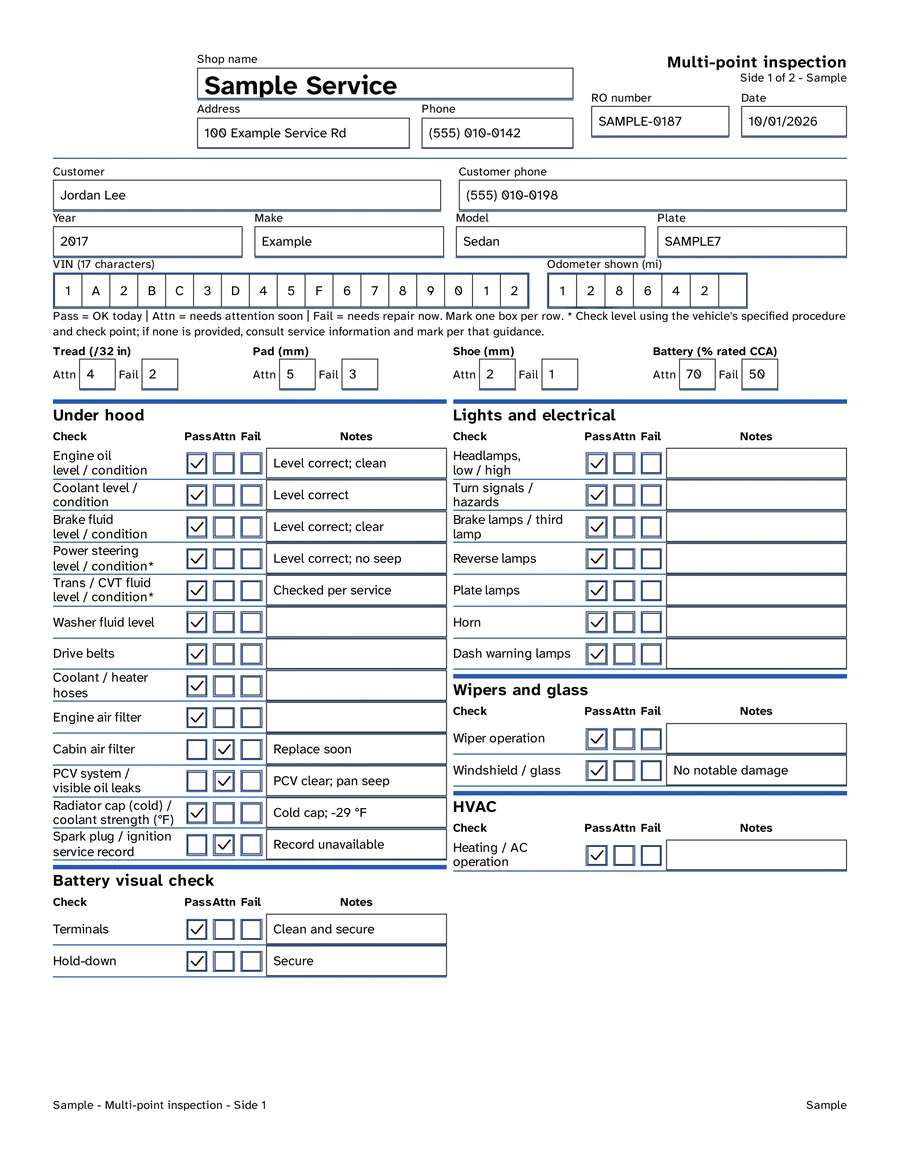
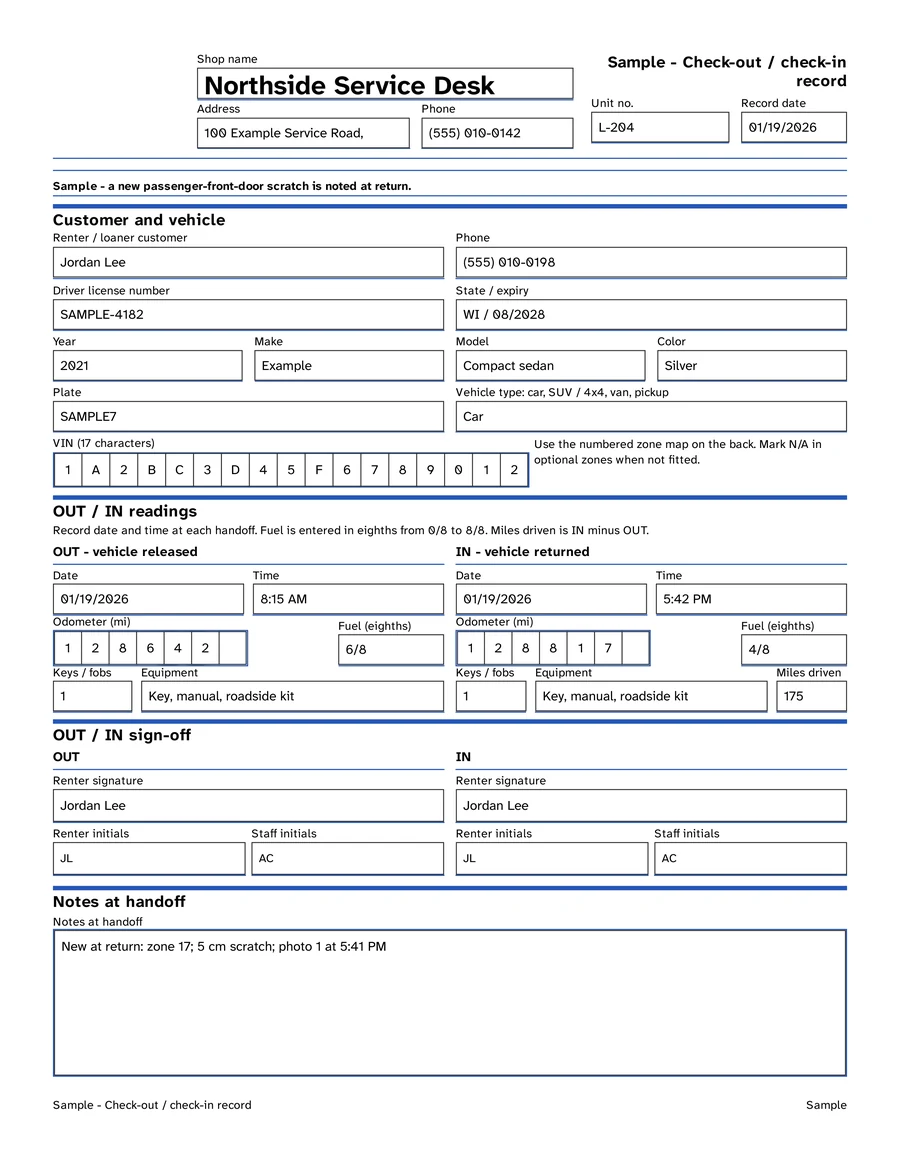
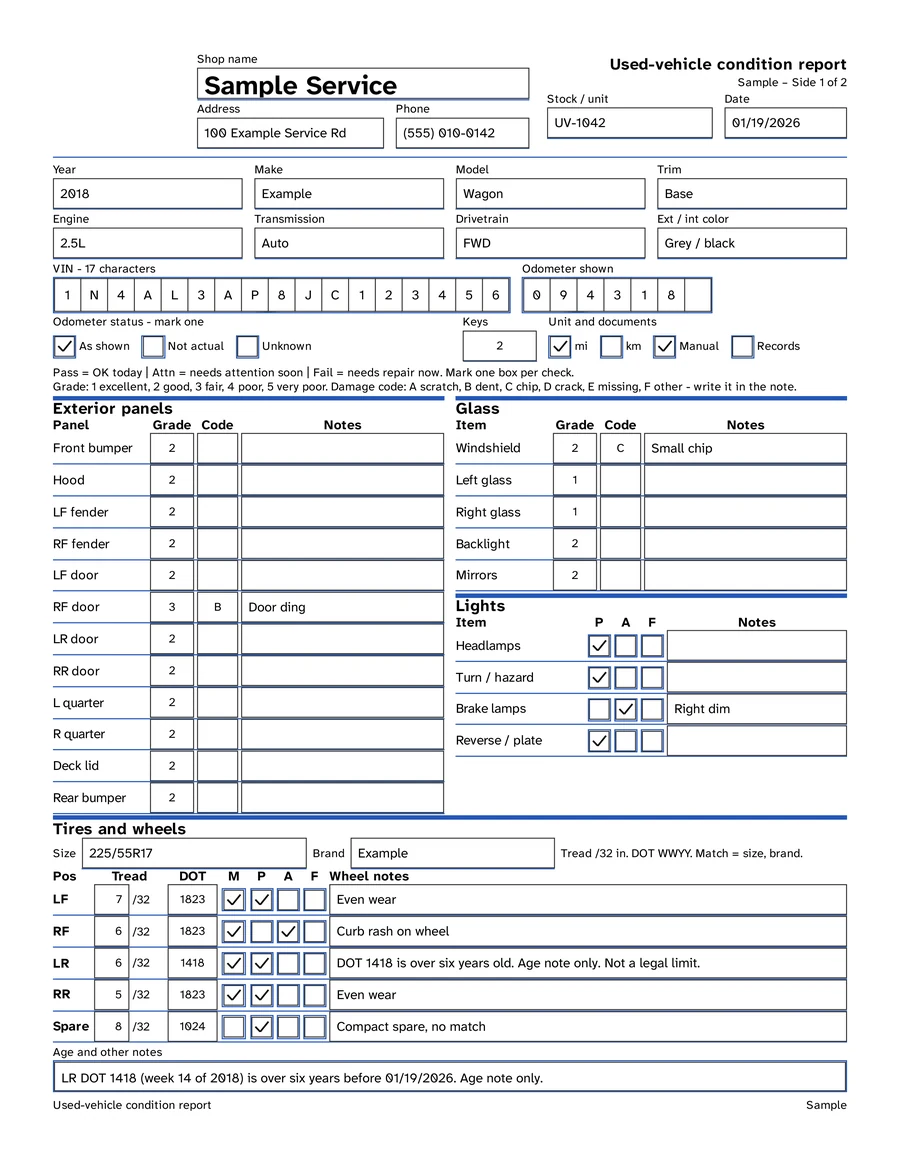
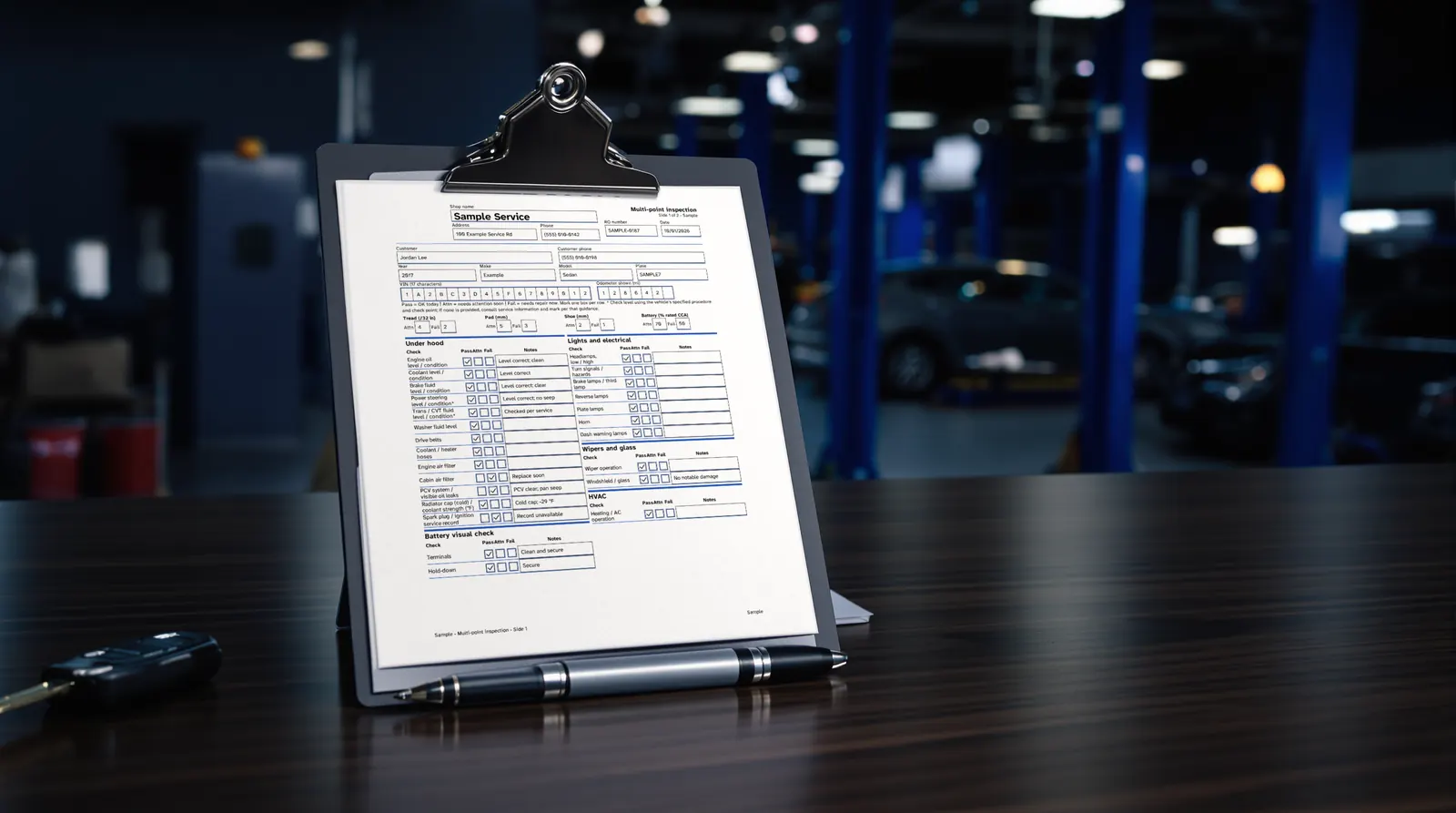
The PDFs have text fields and checkboxes. The VIN has 17 cells and the odometer 7, one character per cell. A VIN never uses the letters I, O or Q, so check it against the door label if something looks off.
Or print it and fill it by hand
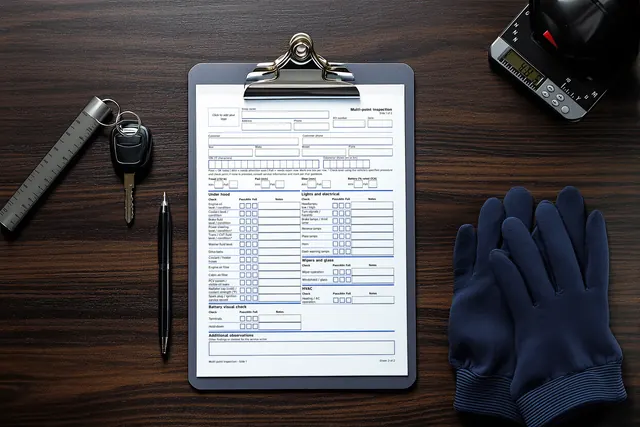
Print at Actual size or 100%. Pages that belong together, such as side 1 and side 2 of an inspection, print as one double-sided sheet, flipping on the long edge. No duplex printer? Flip the pair by hand. A clipboard is optional.
Mark each check
On the multi-point inspection, Pass means OK today, Attn means plan attention soon and Fail means repair needed now. Mark one box per row and add a note. Colour does not carry a result.
What we have tested, and what not yet
- Tested: text fields, checkboxes, VIN and odometer cells, and saving, in pdf.js (the PDF viewer built into Firefox) running in Chromium.
- Tested: the logo tool, offline in Chromium, on all the Letter and A4 kit PDFs.
- Not tested yet: Chrome’s built-in PDF viewer, Firefox itself, Edge, Apple Preview, Acrobat Reader, Acrobat Standard and Pro, and clicking the logo box in Acrobat.
Questions before you buy? Email hello@inspectioncard.com or try the free sample first.
Pay for two. Get all three.
The bay sheet, the counter sheet and the condition report, with your shop’s name on every page. One checkout, one email with all the files.
- Multi-Point Inspection Kit
- $4.00
- Rental & Loaner Check-In / Check-Out Kit
- $4.00
- Used-Vehicle Condition Report Kit
- $4.00
- All three kits
- $8.00
What is a digital vehicle inspection?
A digital vehicle inspection is one filled in on a screen instead of on paper. With our forms that means typing into the PDF’s text fields and checkboxes. Inspection software with photos and tablets is a different tool, and our guide to paper, PDF or software compares the two.
How can I create an inspection report?
Open the kit PDF, type your shop name, address and phone once in the header, then fill the vehicle fields and the checks. The VIN has 17 cells and the odometer 7, one character per cell. Then print the page and hand it over.
How should I print the forms?
Print the forms at Actual size or 100% on Letter or A4 paper. Print the paired pages double-sided, flipping on the long edge, or flip them by hand. You need a pen and a printer, and a clipboard is optional.
How do I add my logo?
Open add-your-logo.html from the download in a Chromium-based browser such as Chrome or Edge. Choose the kit PDF and a PNG or JPG, then save. It runs offline and nothing is uploaded. It was tested in Chromium on all the Letter and A4 kit PDFs.
Which PDF viewers have been tested?
The text fields, checkboxes, VIN and odometer cells, and saving were tested in pdf.js (the viewer built into Firefox) running in Chromium. Chrome’s built-in viewer, Firefox itself, Edge, Apple Preview, Acrobat Reader and Acrobat Standard or Pro have not been tested yet.
Can I save a filled-in form?
Yes, in the viewer we tested (pdf.js). Type into the fields and save the PDF.
Hand them what you checked.
Three printable, fillable inspection kits with your shop’s name on every sheet. Pay once, print as soon as the files arrive.